How to Configure AI Models
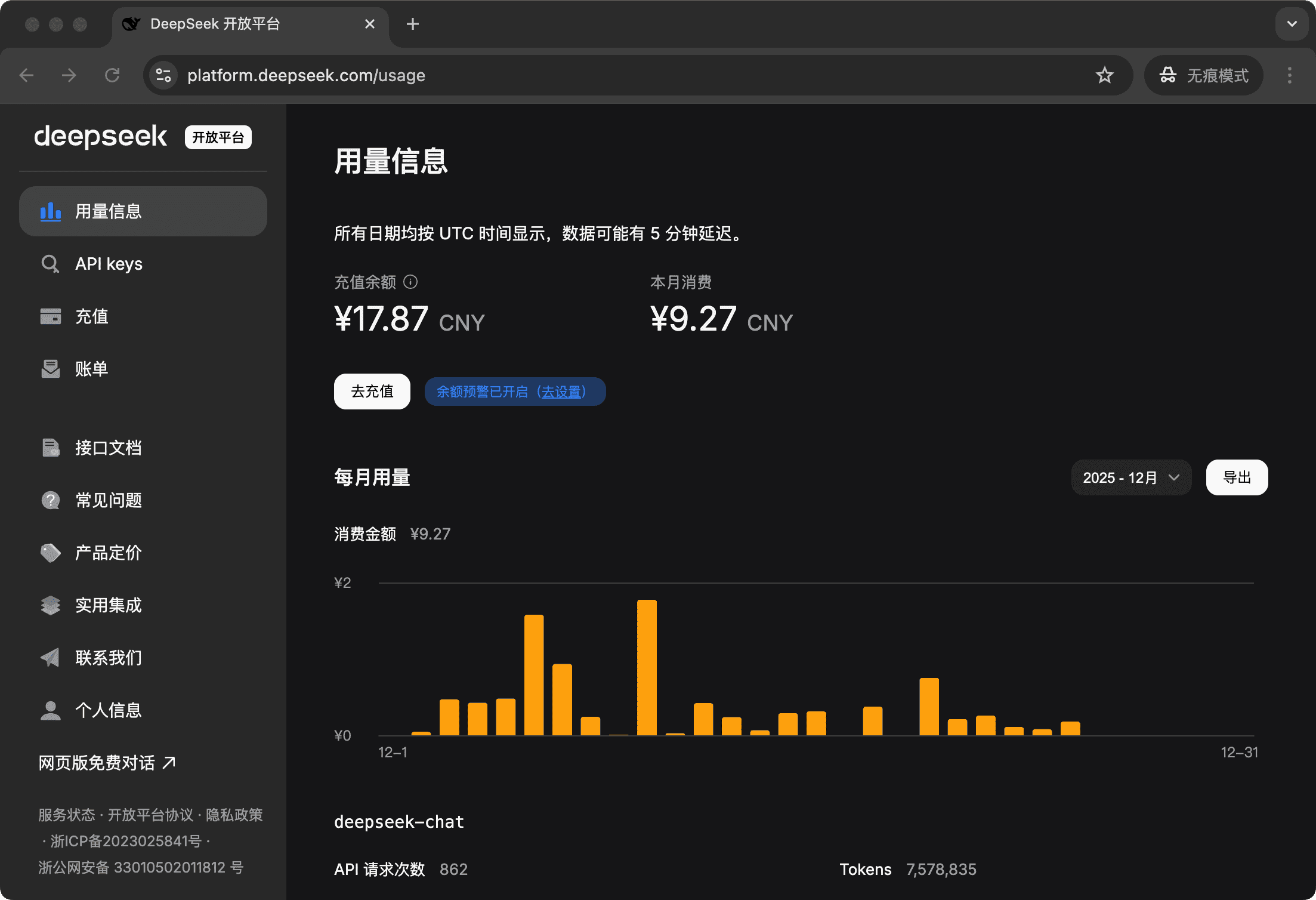
Online AI Models
Here we use DeepSeek as an example. For other models, please search for their configuration methods:
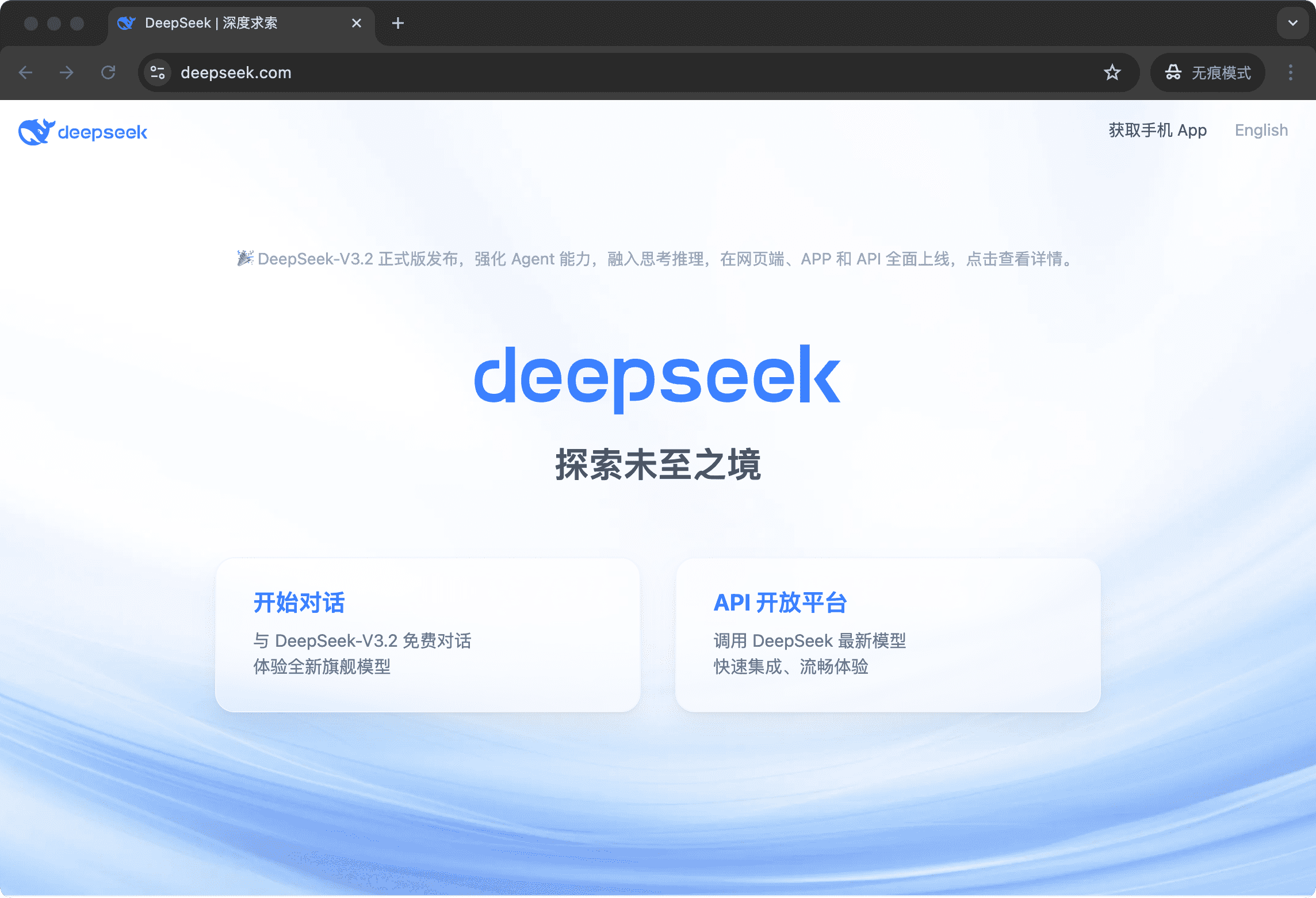
- Visit DeepSeek official website, select API Platform, register and log in
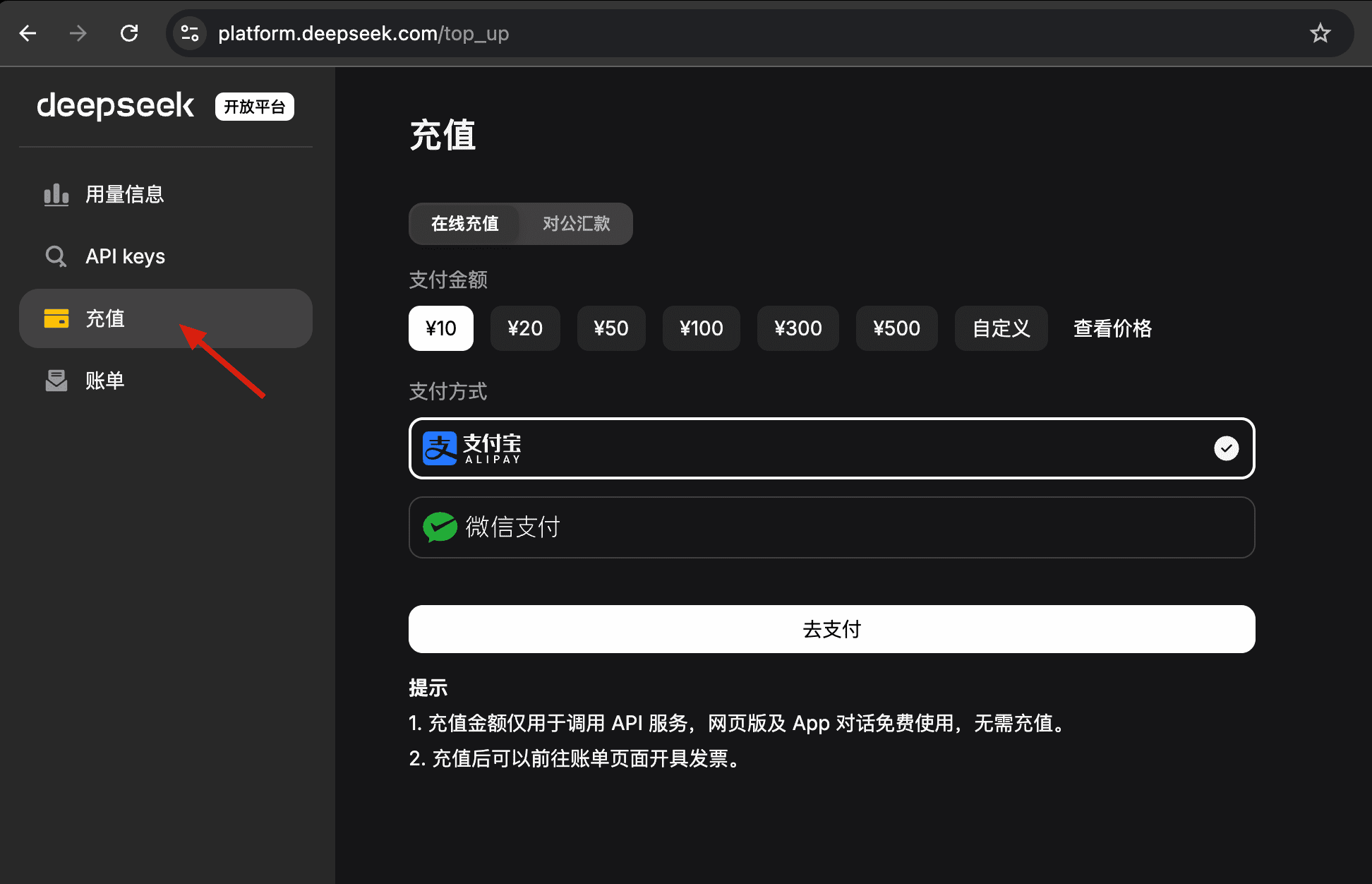
- Select "Recharge" on the left side and add credit (we recommend starting with a small amount - it will last a long time)
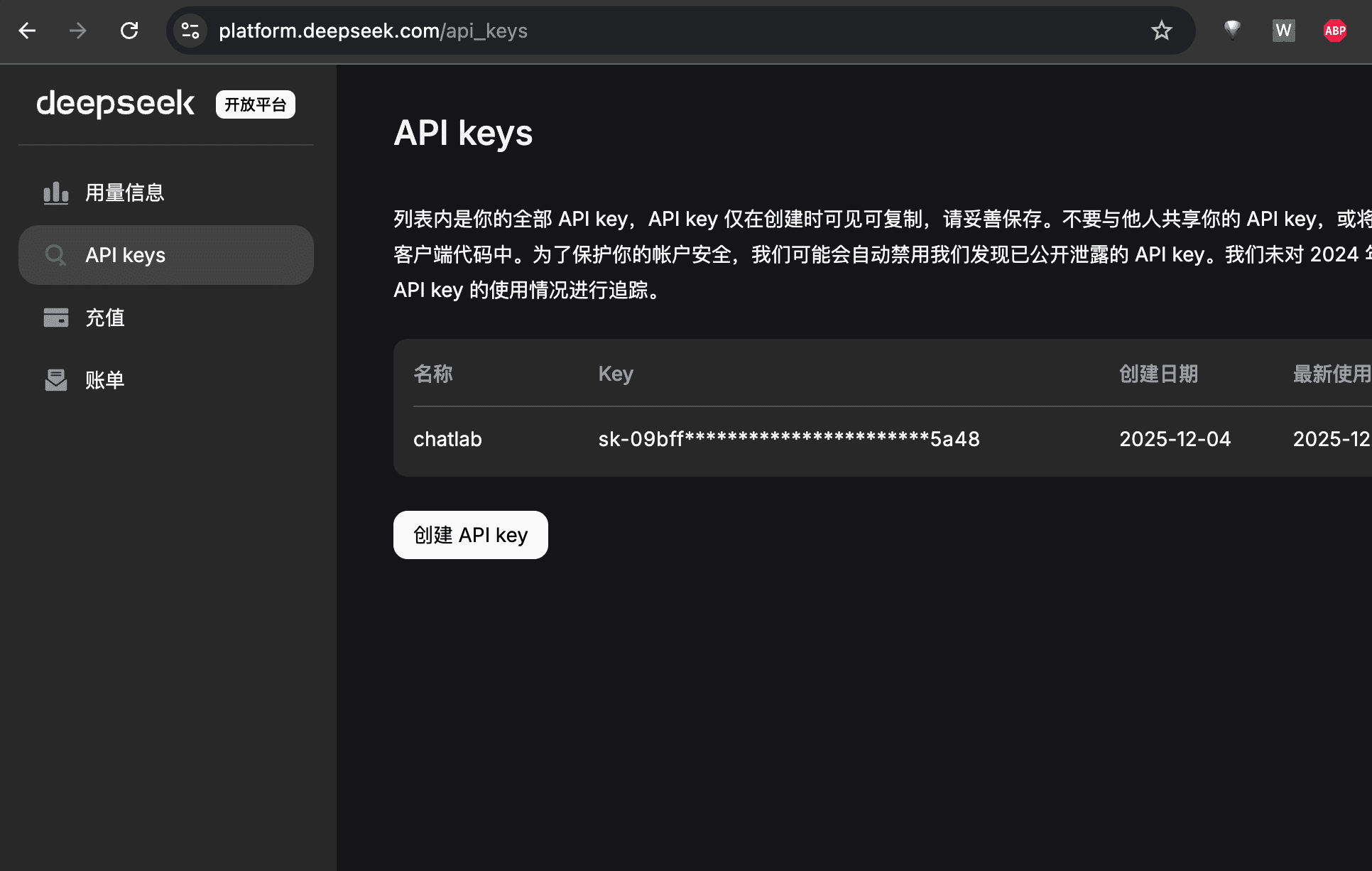
- Select "API Keys" on the left side, click "Create API key", enter any title, then copy the API Key
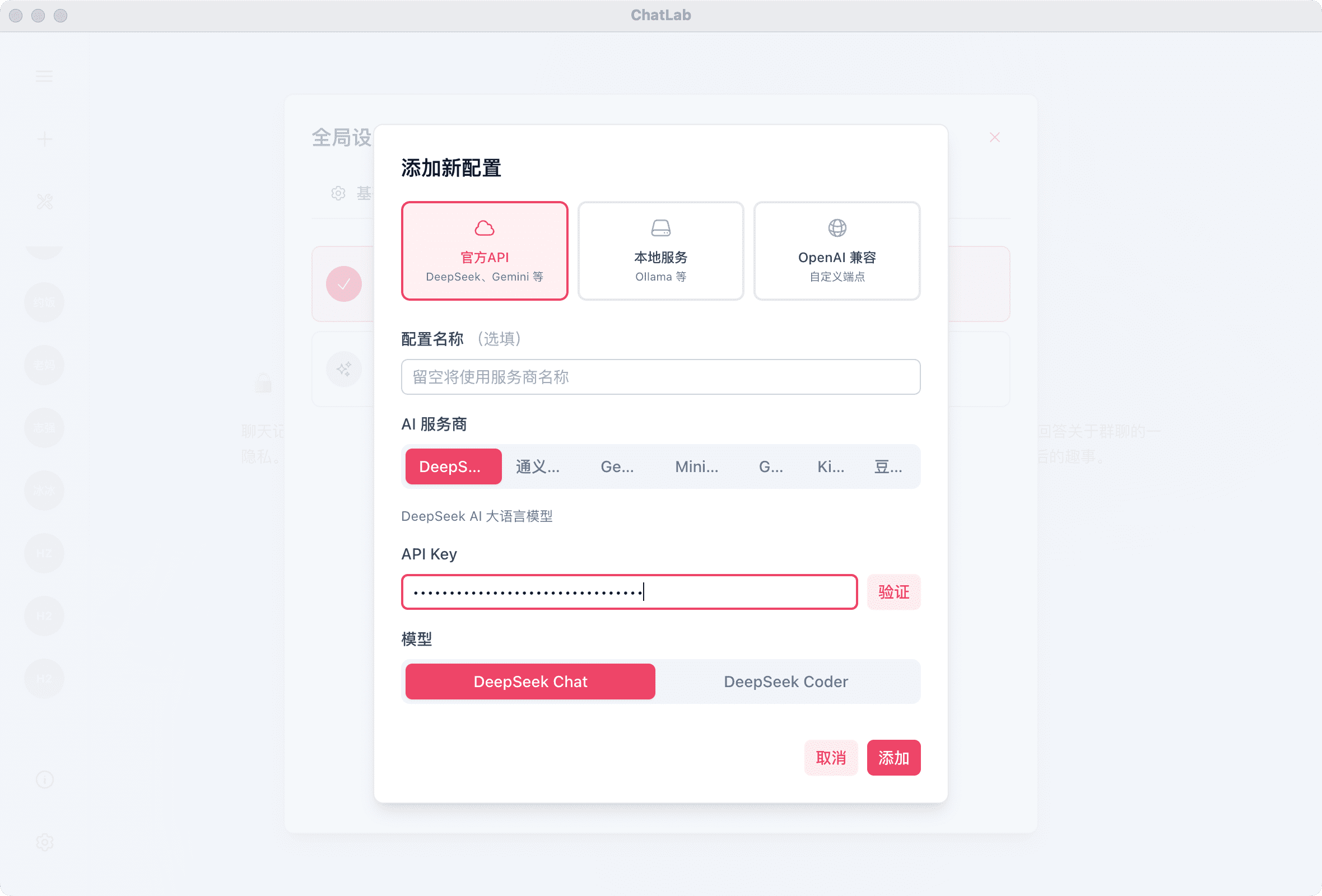
- Open ChatLab, click Settings in the bottom right corner, then "Model Configuration" > "Add New Configuration"
Paste the API Key you copied into the API Keys field, click Verify to confirm it works, then click Add in the bottom right corner to start using AI features
- In the usage information on the left, you can check your credit balance and consumption